Bring Your Own Key (BYOK)
Allow your customers to use their own encryption keys with WorkOS Vault for enhanced security and compliance.
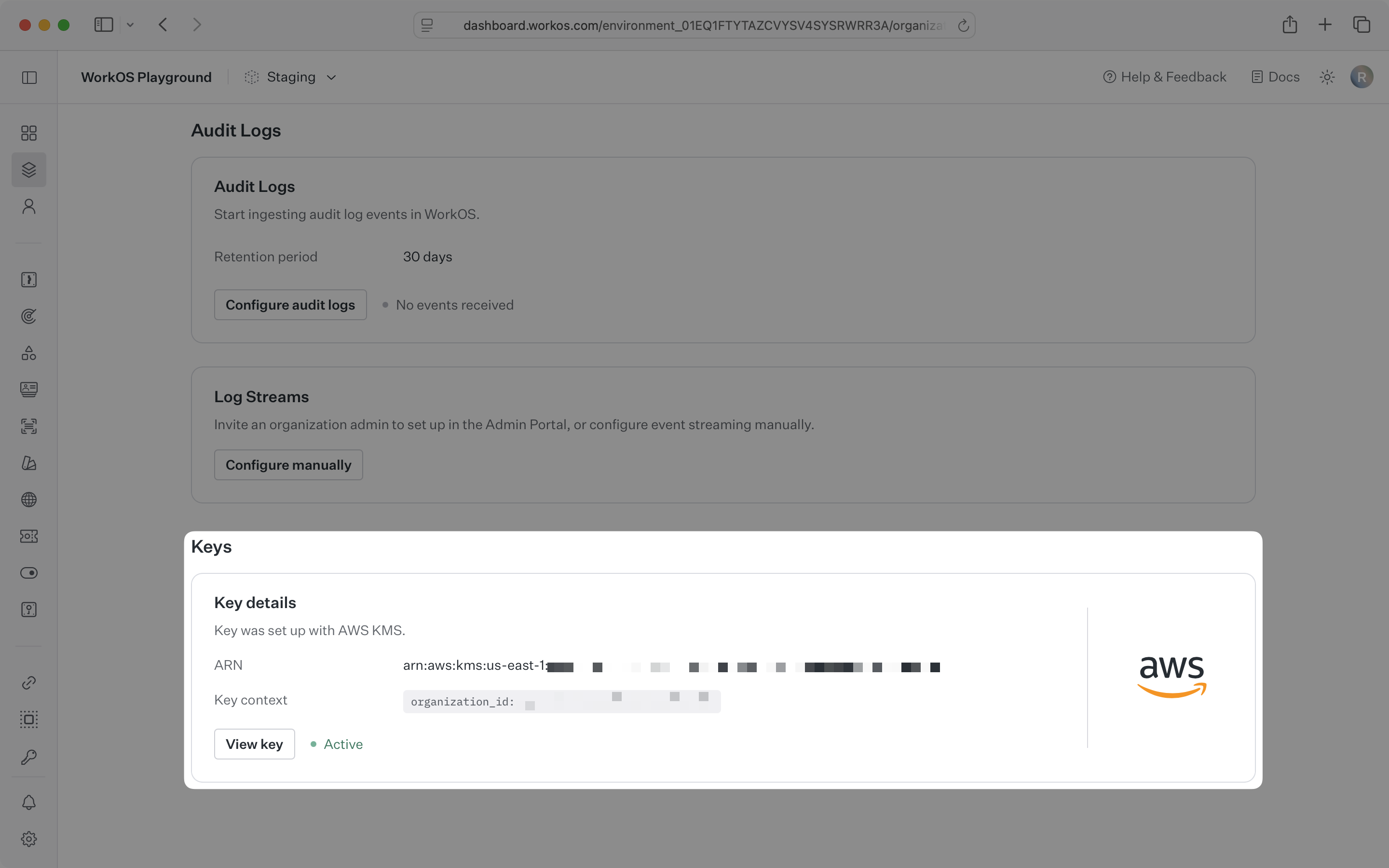
Bring Your Own Key (BYOK) allows your customers to use their own customer-managed keys (CMKs) with WorkOS Vault instead of relying solely on WorkOS-managed keys. This feature enables you to offer your customers additional control over their encryption keys and help them meet specific compliance requirements.
With BYOK, your customers maintain control over their key material while still leveraging Vault’s encryption and data management capabilities. Customer-managed keys are used as key-encrypting keys (KEKs) in place of WorkOS-managed KEKs, providing an additional layer of security and compliance for your application’s users.
When Vault is configured with BYOK:
- Key Matching: Encryption operations are matched to customer CMKs based on the key context provided
- Envelope Encryption: Customer CMKs encrypt data-encrypting keys (DEKs), not the data directly
- Automatic Fallback: Operations that don’t match a customer’s CMK configuration will use WorkOS-managed KEKs
BYOK uses the same key context mechanism as standard Vault operations. When a customer’s CMK is configured for specific context values, Vault automatically uses that key for matching operations.
Example Configuration:
- Customer CMK
key_abcconfigured fororganization_id: "org_123" - Key context
{"organization_id": "org_123"}→ Uses customer CMKkey_abc - Key context
{"organization_id": "org_456"}→ Uses WorkOS-managed KEK
- Key Control: Your customers maintain complete control over their encryption keys
- Isolation: Customer keys remain separate from other tenants’ data
- Audit Trail: Customers have full visibility into their key usage and access patterns
- Regulatory Requirements: Help customers meet compliance standards that require customer-controlled keys
- Data Sovereignty: Enable customers to ensure encryption keys remain within their control
- Risk Management: Reduce customer dependency on third-party key management
Allow different customers to use their own CMKs while maintaining a single Vault integration:
Allow customers to ensure their encryption keys remain in specific regions:
BYOK configuration is managed through your WorkOS dashboard and Admin Portal. Contact your WorkOS representative to enable BYOK for your application.
- Your customers must have compatible key management systems (AWS KMS, Azure Key Vault, Google Cloud KMS)
- Proper IAM permissions for WorkOS Vault to access customer keys
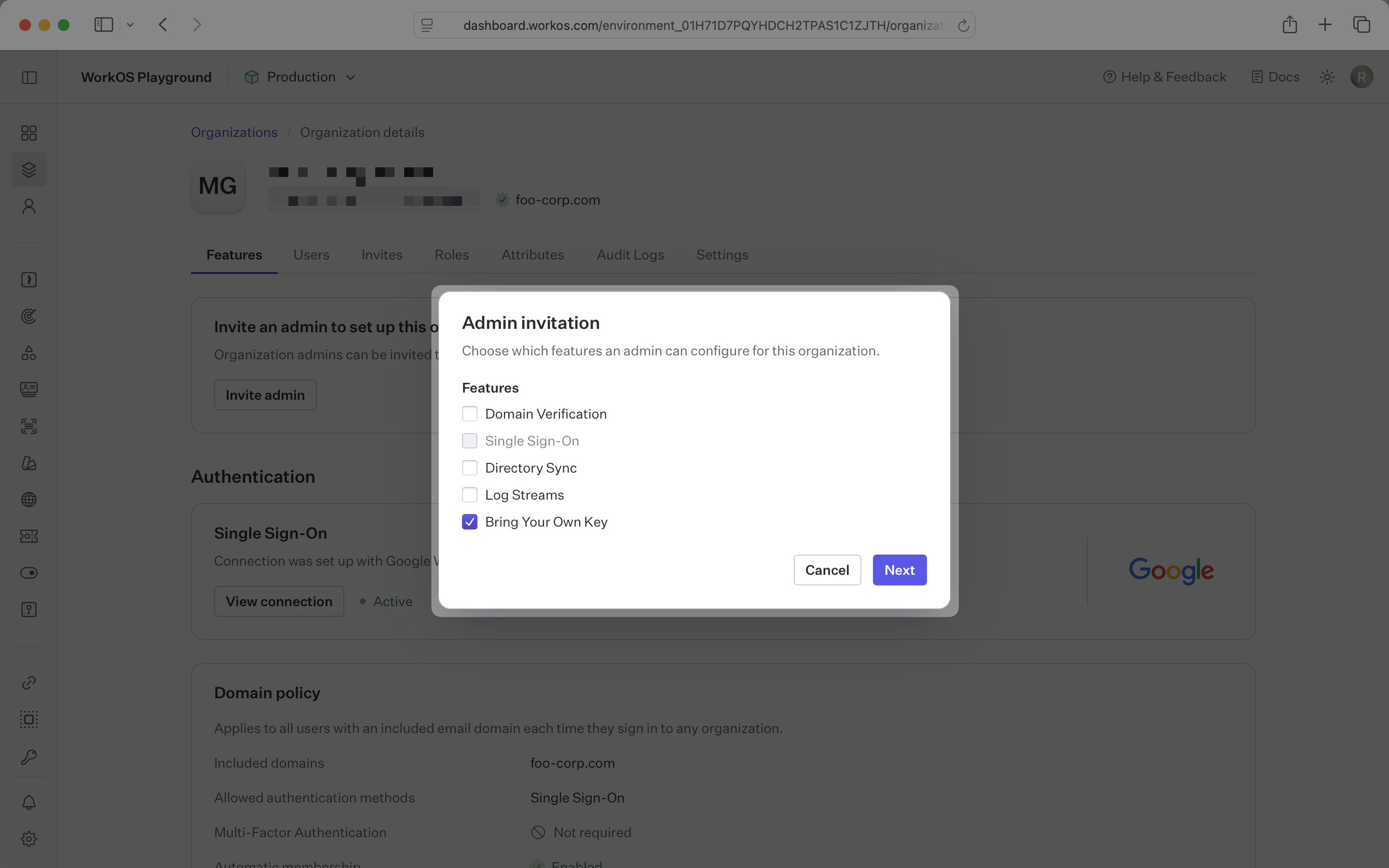
Navigate to the organization of your customer who will configure their CMK. Generate a unique portal link by clicking “Invite admin” and selecting “Bring Your Own Key” from the feature selection.
The Admin Portal will walk an IT contact through the setup and configuration of the CMK. It includes screenshots for using the cloud provider of choice to create a key and set the appropriate permission in IAM policies to allow Vault to use the key.
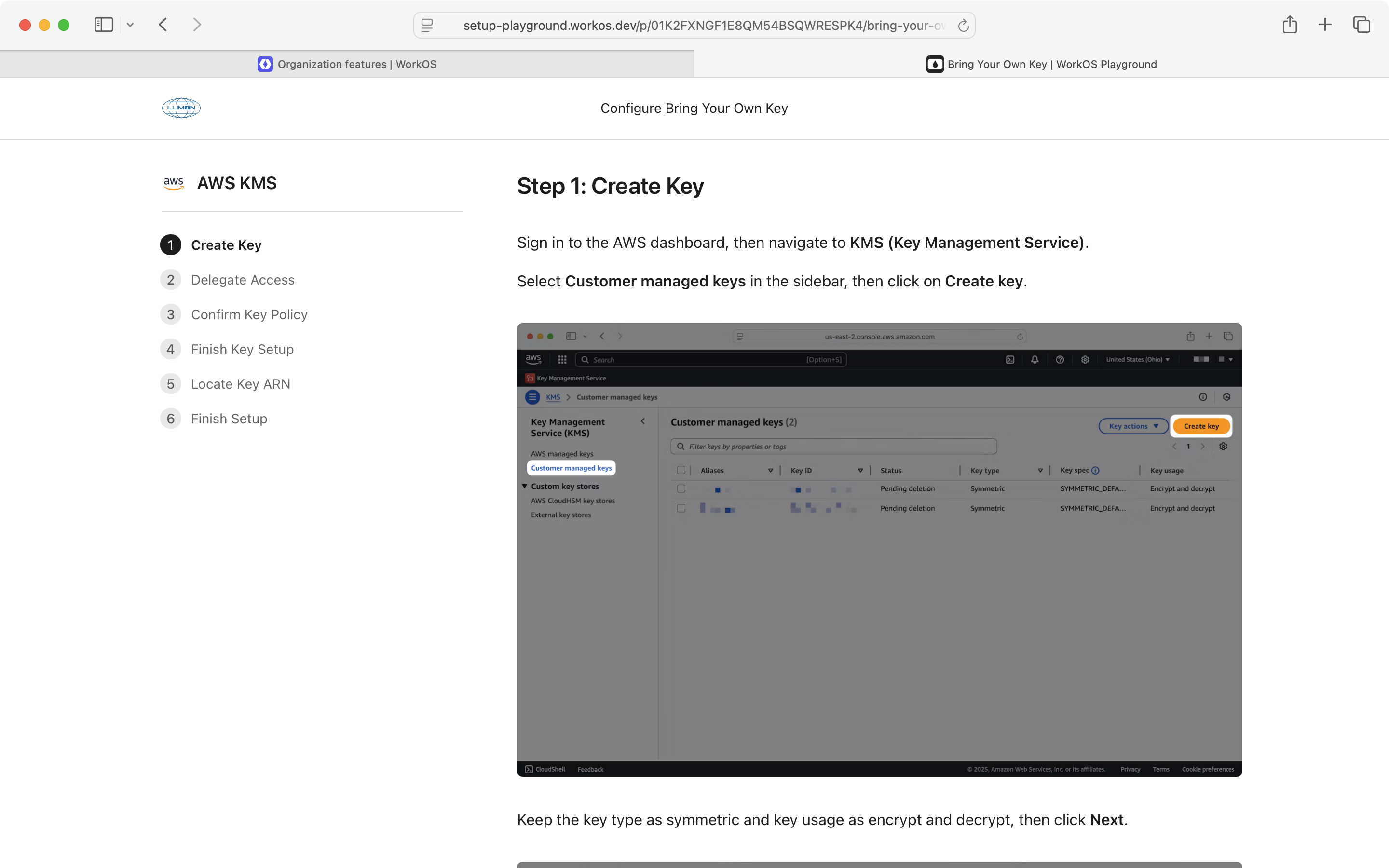
The final step of the Admin Portal setup flow will validate that Vault can use the CMK the IT contact configured. If they see “Setup is complete”, Vault will use the customer’s CMK whenever an operation includes their organization id as context.